Kenneth Kitson (PhD)
I’m Kenneth Kitson, a private research analyst. As a private research analyst, I assist students, lecturers and businesses with their research projects in the area of research proposals, research dissertations and thesis and market research. I’m expert in the following statistical tools: IBM SPSS, AMOS, SmartPLS, Stata, etc. I have more than 5 years of experience in research and data processing and analysis, research reporting. I have facilitated research analytical training programs and assisted a lots of students, lecturers and businesses.
Course Description: This course provides a comprehensive introduction to data analysis using IBM SPSS software. Students will learn how to manage, visualize, and analyze data to make informed decisions and conduct statistical research.
Course Objectives
- Understand the basics of IBM SPSS
- Use IBM SPSS to perform descriptive and inferential statistical analysis
- Create graphs and charts to visualize data
- Apply IBM SPSS to real-world data analysis problems
Course Duration: 2 weeks
Prerequisites:
- Basic understanding of statistics and research methods
- Familiarity with Microsoft Windows operating system
Course Outline:
Session 1: Introduction to Data Analysis and SPSS
- Overview of data analysis and its importance
- Introduction to IBM SPSS and its features
- Installation and setup of SPSS software
- SPSS interface and data handling
- Data types and data formats
- Data entry methods (manual vs. importing)
- Cleaning and transforming data in SPSS
- Variable labels and value labels
Descriptive Statistics in SPSS
- Measures of central tendency (mean, median, mode)
- Measures of dispersion (variance, standard deviation, range)
- Creating frequency distributions and histograms
- Data exploration techniques
Session 2: Data Visualization in SPSS
- Creating various types of charts (bar charts, scatterplots, etc.)
- Customizing and formatting charts
- Exporting visuals for reports
Inferential Statistics with SPSS: Part 1
- Introduction to inferential statistics
- Hypothesis testing concepts (null vs. alternative hypothesis)
- Sample t-tests (independent and paired)
- Analysis of variance (ANOVA)
- Interpreting and reporting results
Session 3: Correlation and Regression Analysis in SPSS
- Bivariate correlation analysis
- Linear regression analysis
- Assessing assumptions and multicollinearity
- Interpreting regression output
- Factor analysis in SPSS
Bonus: Reporting and Presenting Results
- Writing the results section of a research paper
- Creating professional reports in SPSS
- Preparing data summaries for presentations
- Ethical considerations in data analysis and reporting
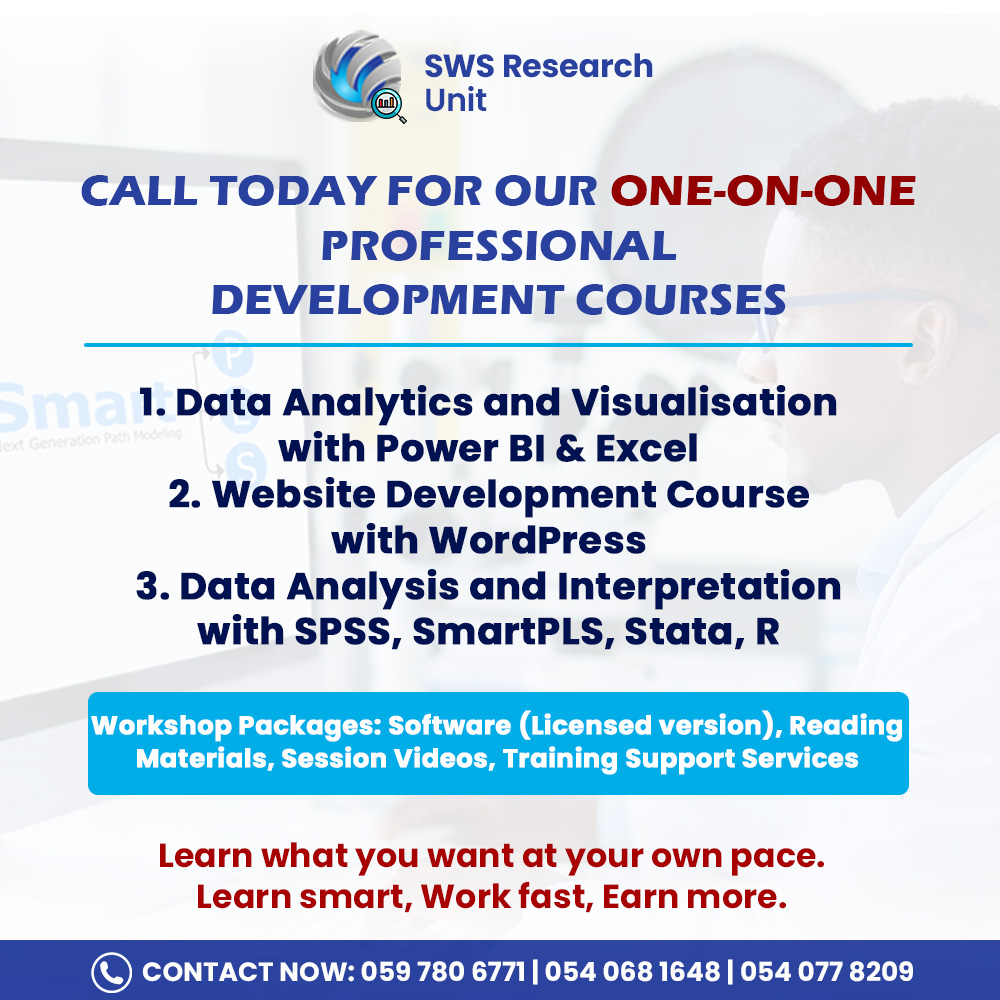
Premium Packages: SPSS Software full package, SPSS report documents, Session videos, after training services, before training services





Reviews
There are no reviews yet.